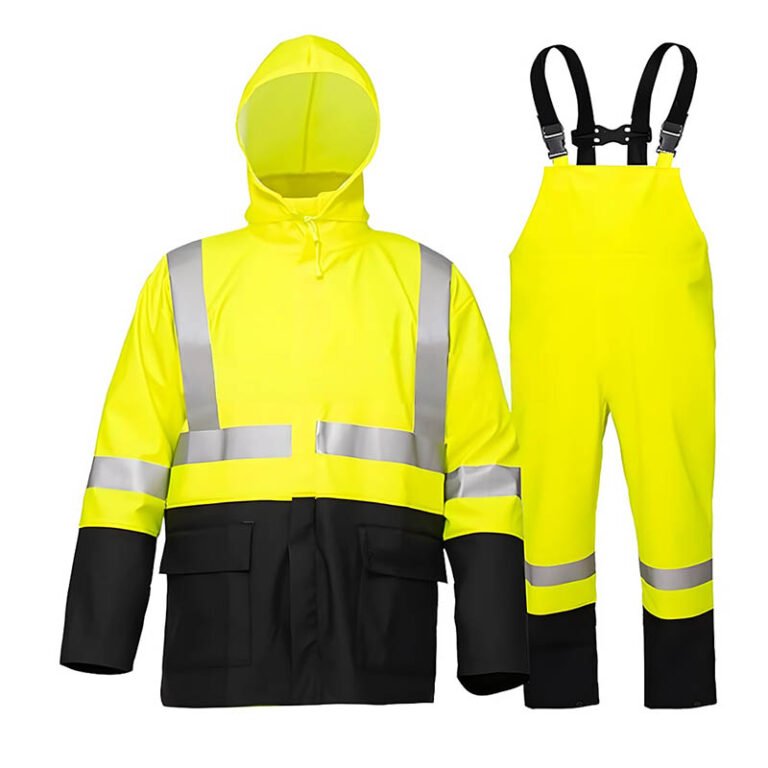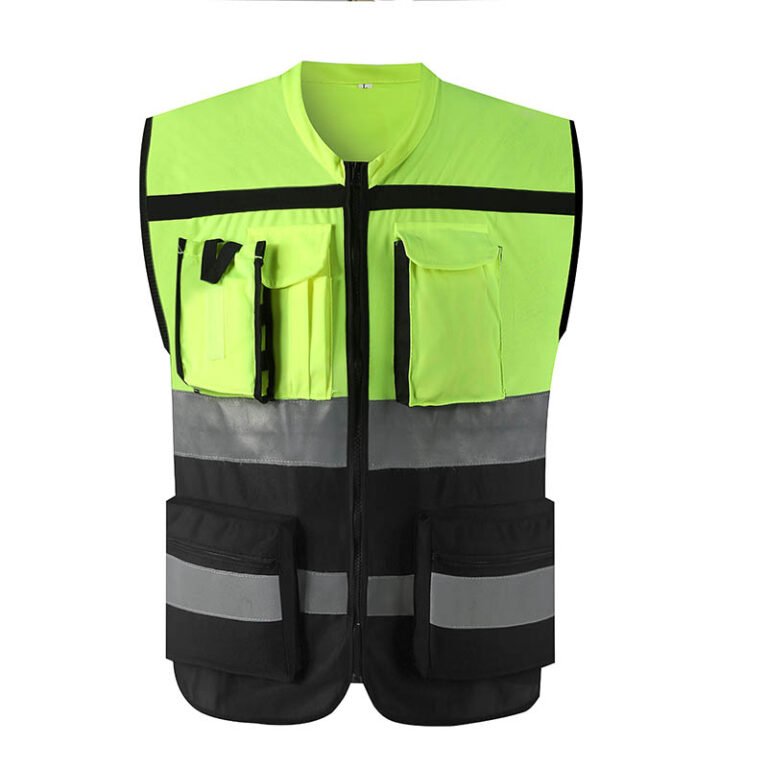
A distributor listing is only useful when a buyer can identify the exact garment, choose the right variant, understand what the supplier has actually confirmed and receive the same item that the listing describes. This guide turns that need into a product-data workflow for PPE distributors and ecommerce teams, including a field dictionary, claims-to-evidence check and handover template.
1. Separate the style record from sellable SKUs
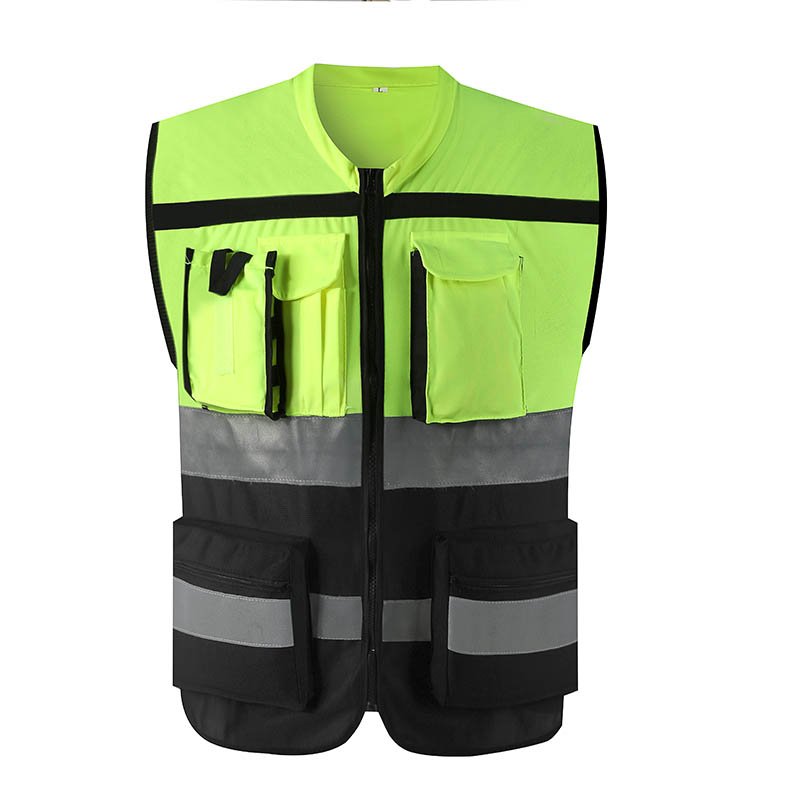
Start with a style-level record for facts shared across the garment: construction, fabric family, reflective layout, closures, intended use description and product-document references. Create separate variant records for attributes that change by orderable item, such as size, color, packaging unit or regional label. Give each variant a unique distributor SKU and preserve the supplier’s corresponding product code.
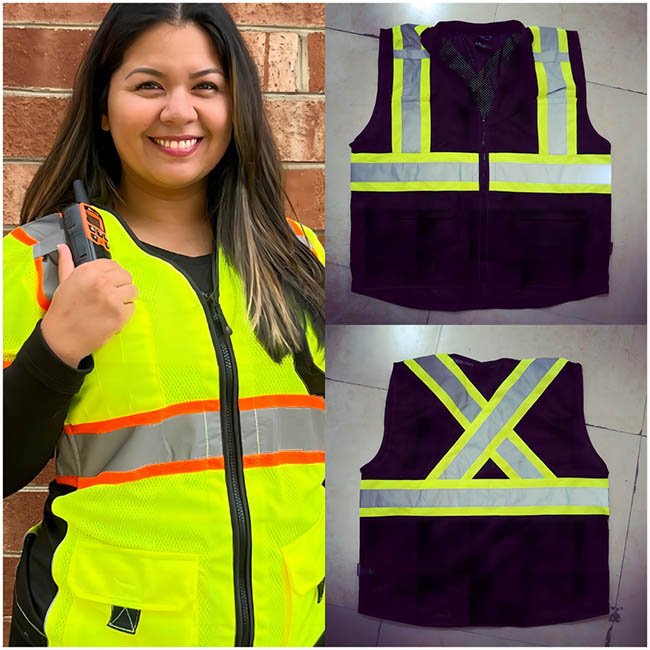
This prevents a common catalog error: copying one size’s data to every size, or treating a color option as if it shares the same product evidence. If a variant changes material, trim, construction or labels, mark the affected fields for review instead of assuming the style-level record still applies unchanged.
| Record layer | Example fields | Control question |
|---|---|---|
| Style | Model name, garment type, construction, base material, reflective design, care file | Does this describe the approved design revision? |
| Variant | Distributor SKU, size, color, pack quantity, barcode if used | Can an order line identify exactly what ships? |
| Evidence | Document ID, issuer, covered model/material, date and reviewer | Does the evidence match the model and claim shown? |
2. Build a field dictionary before importing products
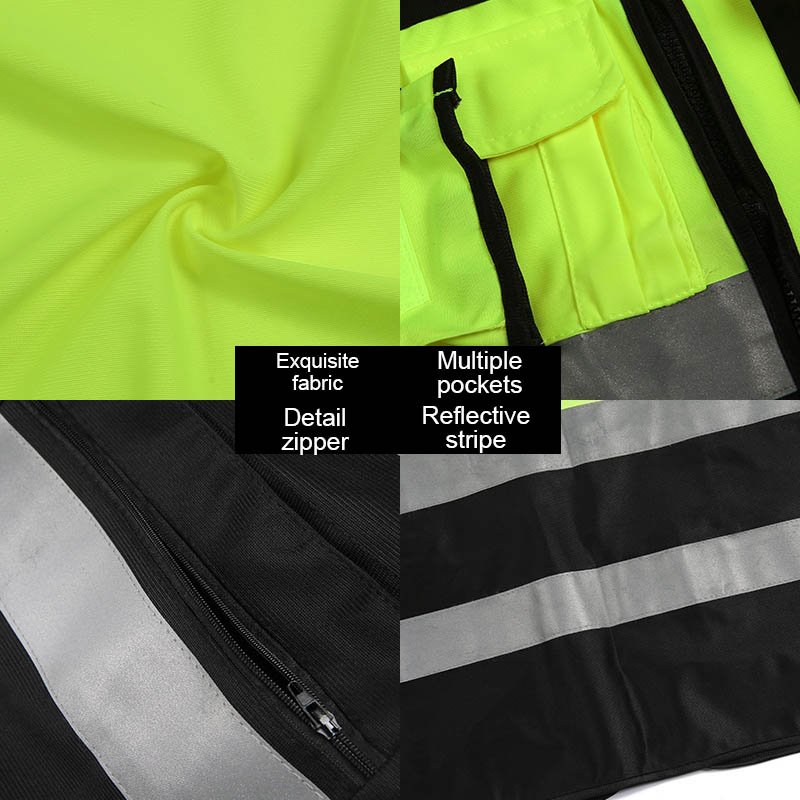
Agree the meaning, format and owner for every field before creating a spreadsheet import. “Size” may mean alpha size, numeric size or a measurement range. “Pack” may mean one garment, a pair or a carton. “Reflective tape width” may refer to the total band or only its reflective portion. Record the unit and definition beside each field so teams do not interpret it differently.
| Field group | Buyer-facing data to capture | Validation before listing |
|---|---|---|
| Identity | Brand, supplier model, distributor SKU, orderable variant, revision | Cross-check sample, quote and supplier sheet |
| Fit and sizing | Size run, size chart, measurement method, fit notes where supported | Confirm chart version and sample size |
| Materials | Fiber/content details, fabric family, lining or trim descriptions where documented | Use current model-specific documentation |
| Use and claims | Intended-use wording, product claims, applicable documents | Require evidence and a named approver for each claim |
| Commercial | Unit of sale, pack/carton quantity, minimum order, order notes | Reconcile listing unit with quote and packing list |
| Media | Front, back, detail, label and packaging views with usage rights | Check color, model and revision match the live item |
Keep unknowns explicit. Use values such as “supplier confirmation required” in the internal working file, not guessed values on the public product page. If a field is not relevant, record why it is blank; do not silently treat blank as zero, “not applicable” or “not provided.”
3. Connect every product claim to evidence
Build a simple claims register with one row per statement used on the listing. Include the exact wording, the model/variant covered, evidence file, scope, date checked and approver. A certificate or test report attached to a supplier email is not enough until someone verifies the holder, product identity, scope, issue or validity details where relevant, and the exact claim the document supports.
| Listing statement | Evidence check | Safe handling |
|---|---|---|
| “Meets a specified apparel requirement” | Match the exact garment/design, applicable market and current evidence requested by the buyer | Do not broaden a model-specific document into a range-wide promise |
| “Waterproof” or “breathable” | Request the product-specific test, method, conditions and result | Use only the tested wording and limitations |
| “Machine washable” | Review the complete garment care instructions and what testing covers | Do not invent a wash count or service life |
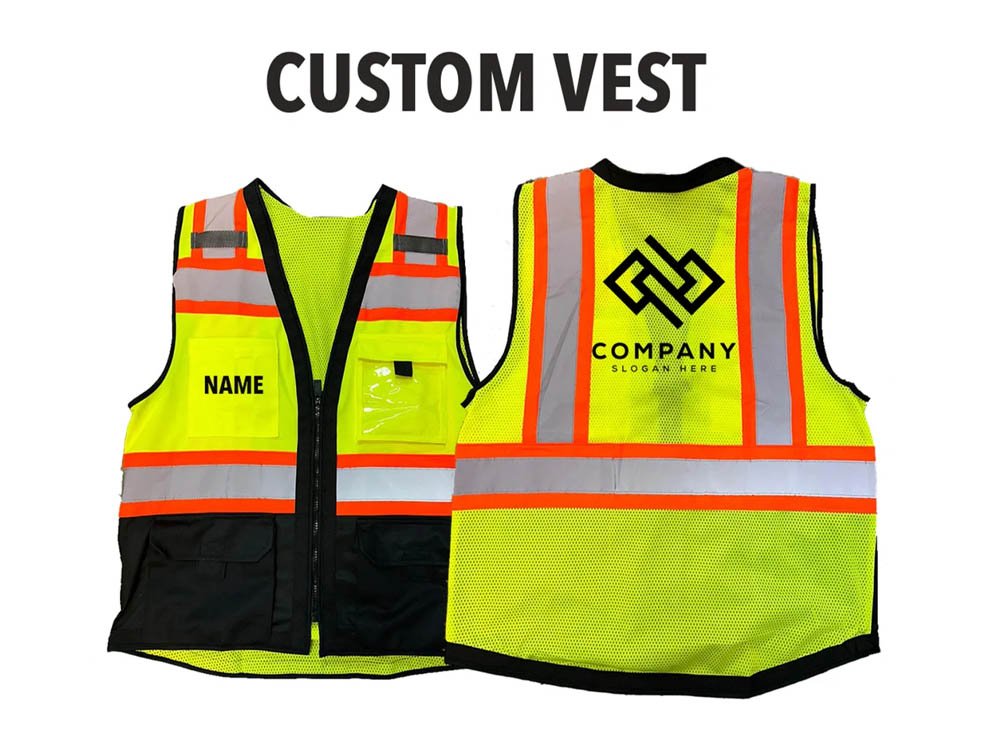
| “Customizable” | Confirm the available style, logo process, size/color options and order conditions | Distinguish available options from requests requiring development |
For high-visibility apparel, CCOHS explains the distinct roles of fluorescent and retroreflective materials and recommends selecting apparel with the worksite and applicable requirements in mind. Use that kind of authoritative guidance to educate a buyer; use the supplier’s exact product documents and the destination market’s responsible reviewer for product-level claims. [1]
4. Make images and downloadable files variant-safe
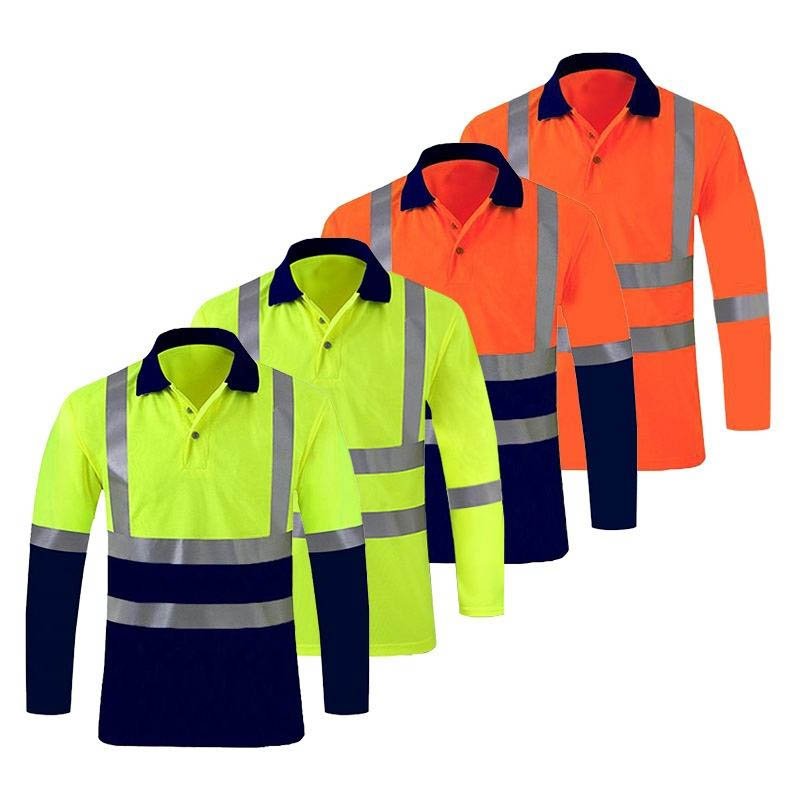
Give each image a stable filename and a clear relationship to the model and variant. A useful media set normally includes front and back views plus close-ups that show the features buyers need to evaluate. If color, trim, logo or pocket layout changes, recheck the image set before publishing. Keep the approved image source and usage permission with the product record.
For downloadable size charts, technical sheets and care files, store the revision, language and covered model in the asset name or metadata. Test every link from the live product page. Retire superseded documents from customer-facing downloads while retaining them internally for audit history. Avoid making an image communicate a claim that the underlying documents do not support.

5. Use a release workflow, not a one-time spreadsheet
Assign one data owner to collect supplier facts, one product or quality reviewer to verify technical claims, and one catalog owner to publish. The same person can hold more than one role in a small team, but the record should show who completed each check.
- Intake: create the product and variant records from the quotation, approved sample and supplier documents.
- Review: resolve missing fields, units, model mismatches and unsupported claims.
- Build: prepare listing copy, images, filters and downloads from approved fields.
- Proof: compare the public page with the controlled record, including mobile view and variant selectors.
- Change: route changes to fabric, reflective trim, size chart, labels, packaging or claim language through revision review.
GS1’s product-data standards provide a shared approach for identifying and exchanging product information across trading partners. A distributor does not need to adopt a particular data pool to benefit from the underlying discipline: defined fields, accountable records and synchronized updates. [2]
6. Copy this product-data handover request
Ask the supplier to return one completed sheet per style and a variant table for orderable combinations. Keep the distinction between confirmed facts, supplier proposals, missing data and buyer approvals.
Style/model and revision: [model / revision / sample ID]
Orderable variants: [SKU / size / color / unit of sale]
Materials and construction: [attach current specification]
Size chart: [revision / measurement method / covered size range]
Product claims: [exact wording / evidence file / scope / reviewer]
Care instructions: [document / version / applicable model]
Packaging: [unit / inner pack / carton quantity / marks]
Media: [front / back / details / usage permission]
Change owner: [contact / notification process]
Open fields: [value needed / owner / due date]
Before release: compare listing, current quote, approved sample, technical documents and packing unit. Any mismatch should be resolved before a buyer can place an order against the page.
Related buyer guide: For the next step in the buying process, use the hi-vis clothing RFQ template to collect comparable supplier responses.
Frequently Asked Questions
Can we copy the supplier description unchanged?
Use it as source material, then verify the model, scope, wording and evidence. Remove claims the supplier cannot support for the exact variant.
Should missing fields be filled with typical industry values?
No. Ask the supplier or responsible reviewer. A plausible generic value can still be wrong for the product.
Do we need one listing per size?
Usually the page can group sizes, but every orderable variant should remain identifiable in the catalog and transaction data.
How often should product data be reviewed?
Review it when a supplier changes a model or document and on a schedule appropriate to the product and claims. Keep the last-reviewed date and owner.
Build a Product Pack Buyers Can Trust
Review VizGlo’s hi-vis clothing range and request a listing pack that identifies the exact style, variants, supporting documents and current image set. For product development or private-label data coordination, see OEM/ODM workwear support.
Send a product-data request